AsyncAPI Supply Chain Attack: Miasma Fires on Import
July 19, 2026
On July 14, 2026, someone pushed a commit to AsyncAPI's generator repo using the git identity "Your Name <you@example.com>." Twelve seconds later, the project's own release pipeline published three trojanized packages to npm — with valid provenance attestations.
No npm token was stolen. No maintainer account was hijacked. The attacker got push access to a branch and let the legitimate CI/CD workflow do the rest.
What Happened
Two separate AsyncAPI repositories were hit within an hour of each other. At 06:58 UTC, a commit to the generator repo's next branch injected a dropper into three source files. The release-with-changesets.yml workflow fired 12 seconds later and published:
- @asyncapi/generator@3.3.1
- @asyncapi/generator-helpers@1.1.1
- @asyncapi/generator-components@0.7.1
At 07:56 UTC, the same attacker hit the separate spec-json-schemas repo's master branch, eventually publishing @asyncapi/specs@6.11.2 — a package with 2.66 million weekly downloads, pulled in transitively by @asyncapi/parser. Combined, the affected packages see roughly 3 million downloads a week.
All five malicious versions were unpublished by 11:18 UTC — a 2-to-4-hour exposure window depending on the package.
Why Provenance Attestations Didn't Catch This
The malicious packages carry valid npm OIDC / SLSA provenance. That's because they really were built and published by the project's real, authorized GitHub Actions workflow — the attacker just fed it a poisoned commit first.
Provenance proves the workflow published the package. It says nothing about whether the commit that triggered the workflow was legitimate. That distinction matters if your security tooling treats "has provenance" as "is safe."
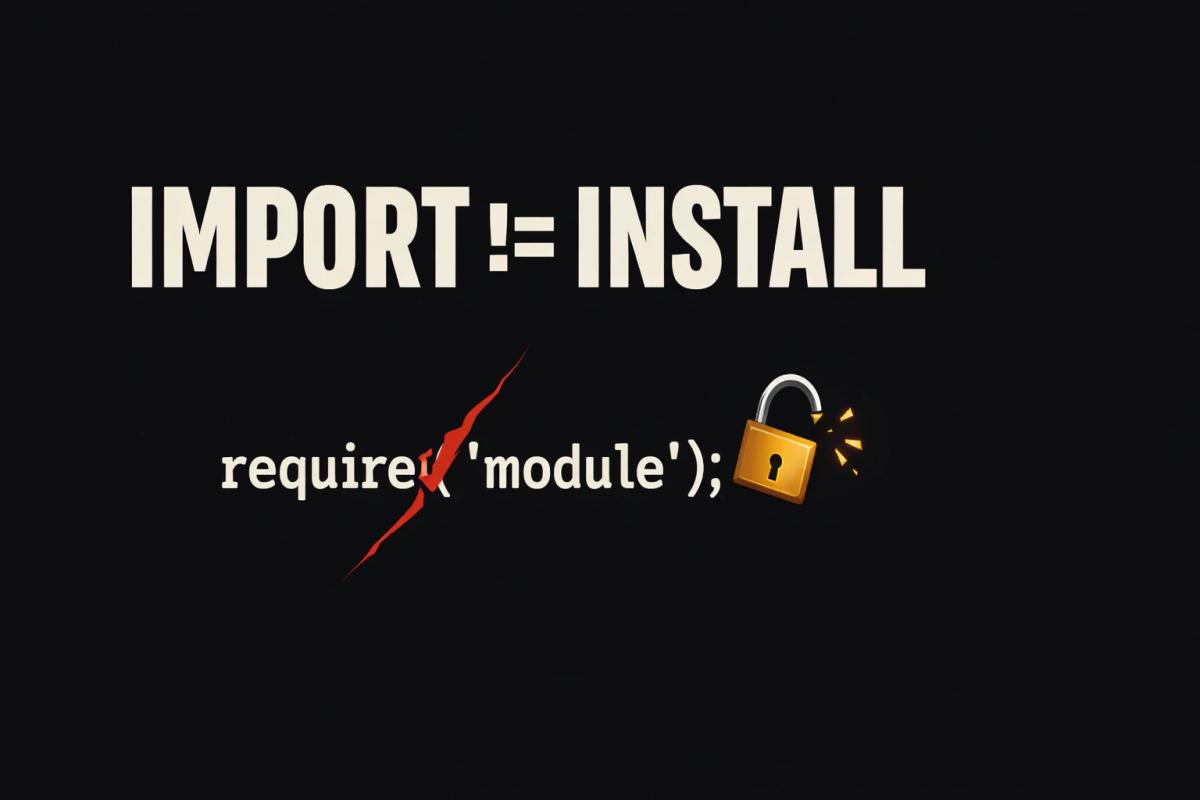
The Trick: It Fires on Import, Not Install
None of the affected package.json files contain a preinstall, install, or postinstall script. The dropper is buried inside normal source files and only executes when the module is require()'d during actual use — a build, a CI job, a generator run.
That means npm install --ignore-scripts, the standard defense against install-time supply chain attacks, does nothing here. If you imported the library at all during the exposure window, the payload ran.
What Miasma Actually Does
Security researchers who statically decoded the payload — without executing it — found a three-stage chain: a spawn call fires on import, downloads a second-stage script from IPFS to a hidden OS-specific directory, then launches a 3.08MB bundled Node.js RAT that self-identifies as "Miasma v3."
The RAT ships six independent C2 channels — HTTP, Nostr relays, IPFS, BitTorrent DHT, a libp2p mesh, and even an Ethereum smart contract dead-drop — so blocking one endpoint doesn't cut the connection. It targets 130+ credential types: SSH keys, npm and GitHub tokens, AWS and Azure credentials, browser passwords, and kube/config.
One module stands out: an "AI tool poisoner" capable of injecting instructions into AI coding assistant sessions, specifically named for Claude Code, GitHub Copilot, and Cursor. If this module was active on a machine, code suggestions from that session during the exposure window shouldn't be trusted without review.
This isn't Miasma's first appearance. The same payload family showed up in June's IDE-hook worm that hit 73 Microsoft repositories — a different delivery mechanism, same RAT lineage, third confirmed vector in under two months.
What You Should Do
If your lockfile was generated between 07:10 and 11:18 UTC on July 14, delete it and reinstall — it may still pin a malicious version even though npm now resolves to clean ones:
rm package-lock.json && npm install
- Pin explicitly to safe versions: generator@3.3.0, generator-helpers@1.1.0, generator-components@1.0.0, specs@6.11.1
- If you only pull specs transitively via @asyncapi/parser, force it with a package.json override
- Rotate npm tokens, GitHub PATs, SSH keys, AWS/Azure credentials, and browser-saved passwords on any machine that imported the affected versions
- Check for a hidden "NodeJS" folder under your home directory and kill any orphaned node processes launched from it
- Audit CI logs for the exposure window for unexpected traffic to ipfs.io or BitTorrent DHT bootstrap nodes
Sources: StepSecurity, The Hacker News, Microsoft Security Blog, BleepingComputer
Frequently Asked Questions
What happened in the AsyncAPI npm supply chain attack?
On July 14, 2026, attackers gained push access to two AsyncAPI GitHub repositories and used the project's own legitimate CI/CD pipelines to publish five trojanized npm package versions carrying Miasma malware. No npm token or maintainer account was stolen.
Does npm install --ignore-scripts protect against this attack?
No. The Miasma dropper in the AsyncAPI packages has no install, preinstall, or postinstall script. It fires when the module is imported via require() during normal use, which the --ignore-scripts flag doesn't prevent.
Which AsyncAPI packages were affected?
@asyncapi/generator@3.3.1, @asyncapi/generator-helpers@1.1.1, @asyncapi/generator-components@0.7.1, and @asyncapi/specs@6.11.2 and 6.11.2-alpha.1. All were unpublished by 11:18 UTC on July 14, with npm now resolving to clean versions.
How do I know if I was affected by the AsyncAPI attack?
Check whether your package-lock.json, yarn.lock, or pnpm-lock.yaml was generated between 07:10 and 11:18 UTC on July 14, 2026, and whether it pins any of the malicious versions. If so, delete and regenerate your lockfile, then rotate any credentials present on that machine.