How to Set Up Claude Code with a Secure Local MCP Server
July 26, 2026
Setting up Claude Code with a secure local MCP server gives your AI agent scoped access to your development tools without exposing your entire system. Instead of granting broad filesystem or network permissions, a local Model Context Protocol (MCP) server acts as a controlled gateway. Here is the exact, step-by-step setup to keep your AI coding workflow fast and secure.
TL;DR: Key Takeaways
- Always install the official
@anthropic-ai/claude-codeCLI and verify the package integrity. - Configure a local
mcp_config.jsonwith strict, least-privilege tool permissions. - Run the MCP server locally; never expose local development MCP ports to the public internet.
- Audit agent action logs regularly to detect and prevent agentjacking attempts.
Why Use a Local MCP Server with Claude Code?
The Model Context Protocol (MCP) standardizes how AI models connect to external data and tools. When you give an AI coding agent unrestricted access to your terminal or filesystem, you introduce significant risk.A local MCP server solves this by acting as a middleware layer. You define exactly which tools the agent can call (e.g., "read this specific database schema" or "run this specific linter"). This principle of least privilege is critical. As we have seen with recent agentjacking vulnerabilities in MCP AI coding agents, broad permissions allow malicious prompts to hijack your agent and execute unintended commands.
Step 1: Install Claude Code Safely
Before configuring anything, ensure you have the legitimate CLI. The ecosystem is currently flooded with typosquatting packages. As detailed in our breakdown of fake Claude Code installers stealing API keys, blindly running npm install from unverified sources is a major security risk. Install the official package directly from the Anthropic registry:
# Install the official CLI globally
npm install -g @anthropic-ai/claude-code
# Verify the installation path and version
claude-code --version
Authenticate using your official Anthropic API key. Never hardcode this key in your project directory; use your system’s environment variables or a secure vault like 1password or dotenv-vault.
Step 2: Configure the Local MCP Server
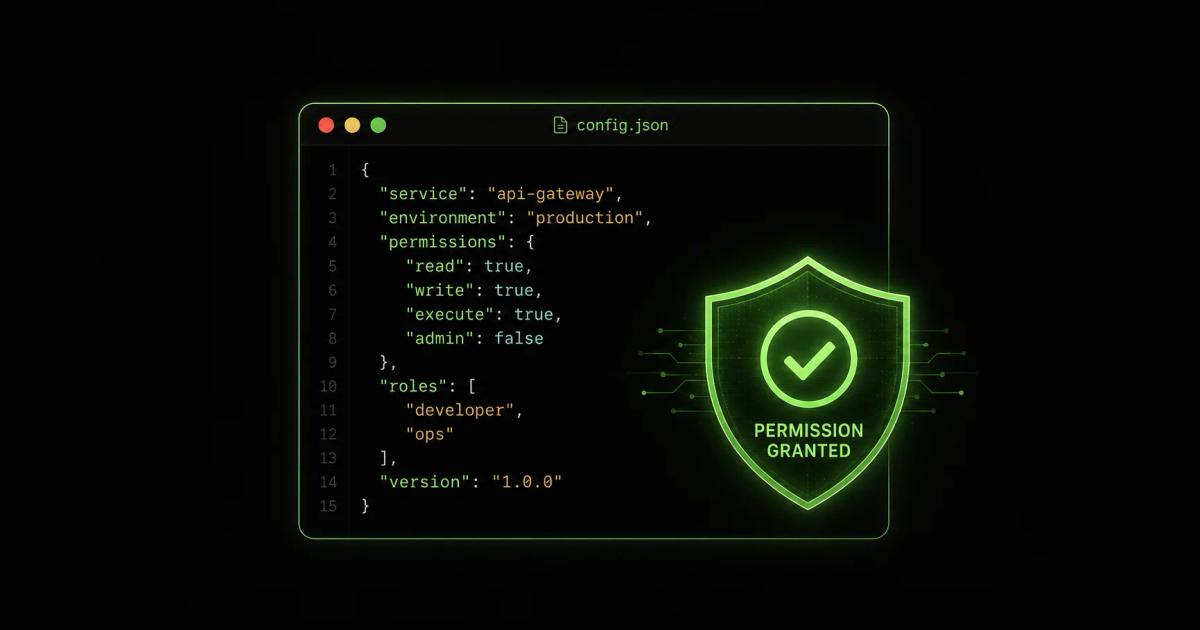
Next, define the tools your agent is allowed to use. Create an mcp_config.json file in your project root. Below is a secure, scoped example that allows the agent to read a local SQLite database and run a specific linting script, but blocks arbitrary shell execution.
Crucial Rule: Never set "allow": ["*"] or grant blanket shell_exec permissions. If the agent needs to do something new, update the config explicitly.
Step 3: Test and Audit Agent Permissions
Start your local MCP server and launch Claude Code in your project directory:
# Start the MCP server in the background
node ./scripts/mcp-db-server.js &
# Launch Claude Code
claude-code --config ./mcp_config.json
Ask the agent to perform a permitted action (e.g., "Check the schema of the users table"). It should succeed. Then, ask it to perform a denied action (e.g., "Delete the users table" or "Run ls -la /"). The MCP server should reject the request and return a permission denied error. Monitor the logs. Your local MCP server should output every tool call request and its result. Review these logs weekly to ensure the agent isn't attempting to bypass your constraints.
Wrapping Up
A local MCP server transforms Claude Code from a potential security liability into a highly controlled, powerful pair programmer. Define your boundaries clearly, verify your installations, and let the agent do the heavy lifting within the safe zone you built.
Frequently Asked Questions
What is an MCP server in Claude Code?
An MCP (Model Context Protocol) server is a local or remote service that exposes specific tools, data sources, or APIs to an AI agent. In Claude Code, it acts as a controlled gateway, allowing the AI to interact with your local environment safely without granting it unrestricted system access.
How do I prevent agentjacking when using a local MCP?
Prevent agentjacking by enforcing strict least-privilege permissions in your mcp_config.json. Deny blanket shell execution, restrict network access to known internal endpoints, and regularly audit the agent's tool-call logs for anomalous behavior.
Can I use a Claude Code MCP server completely offline?
Yes. A local MCP server runs entirely on your machine. As long as the tools it exposes (like a local linter or local database) do not require external network calls, the entire agent-tool interaction loop can remain offline and air-gapped.